1 准备安装介质
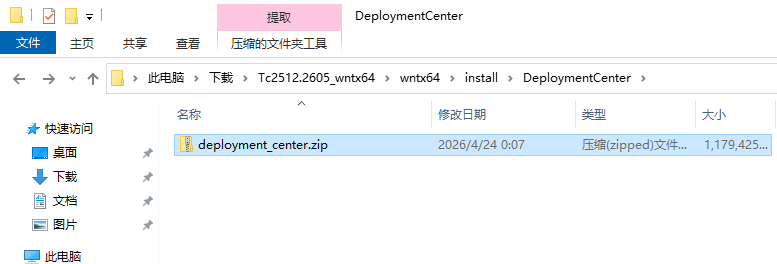
在 Tc 安装介质的 install\DeploymentCenter 下找到 deployment_center.zip 将其解压
2 配置安装属性
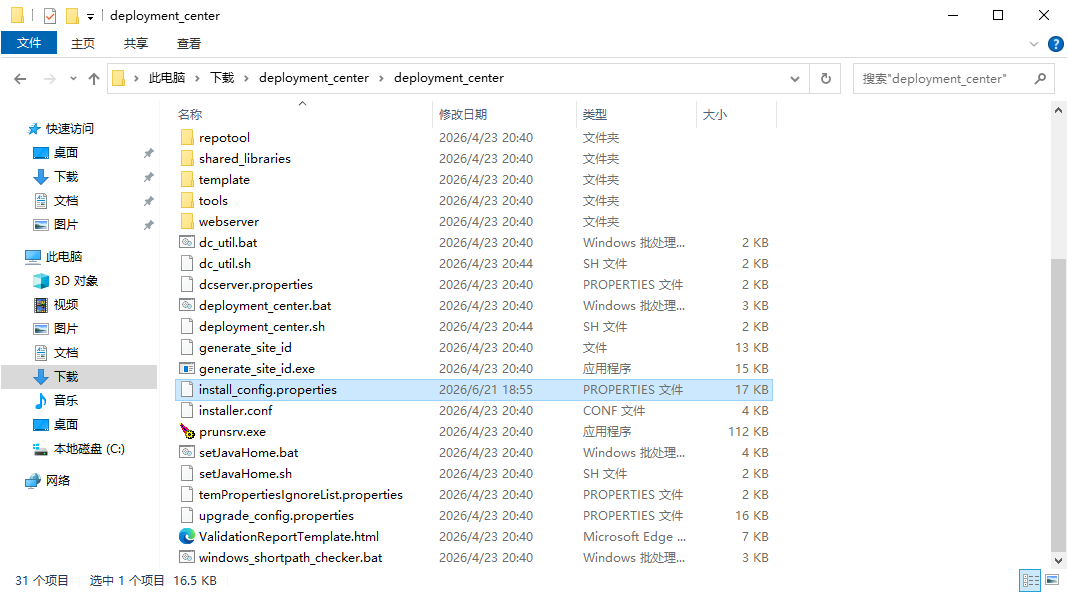
在安装介质的 deployment_center 目录下找到并编辑 install_config.properties 文件
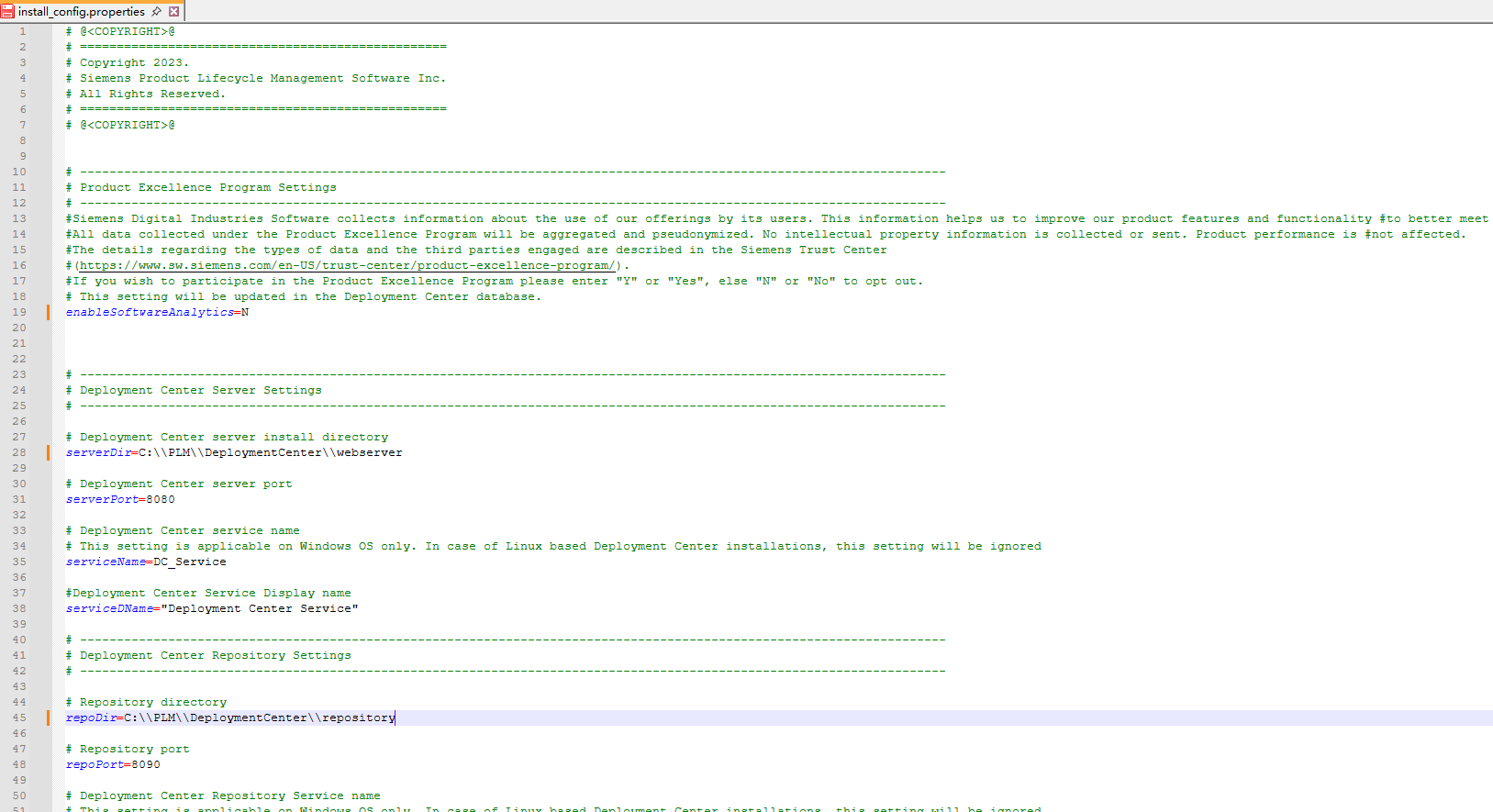
主要设置一些安装位置、端口号、用户名密码等,例如 serverDir、serverPort、repoDir、repoPort、user 和 password 等,enableSoftwareAnalytics 表示是否开启数据分析并参加产品创优计划,可以提前设置,否则安装时终端会提示输入,详细属性解释可以参考:https://docs.sw.siemens.com/en-US/doc/282219420/PL20250520748650994.deployment_center/qgs1458431640130 (Tc2512)
3 运行安装脚本
运行安装脚本前需要提前安装好 JDK 并设置好环境变量,安装脚本支持指定一些属性,也可以直接指定配置文件,这里我们指定配置文件。
打开 cmd 到配置文件的目录,运行:deployment_center.bat -install -inputFile=install_config.properties
1
2
3
4
5
6
7
8
9
10
11
12
13
14
15
16
17
18
19
20
21
22
23
24
25
26
27
28
29
30
31
32
33
34
35
36
37
38
39
40
41
42
43
44
45
46
47
48
49
50
51
52
53
54
55
56
| C:\Users\Administrator\Downloads\deployment_center\deployment_center>deployment_center.bat -install -inputFile=install_config.properties
----------------------------------------------------------------------------------------------------
--------------------------------- 产品创优计划 -------------------------------------------
Siemens Digital Industries Software 收集有关用户使用我们产品的信息。这些信息有助于我们改进产品特征和功能,从而更好地满足客户需求。
根据产品创优计划收集的所有数据都将进行汇总和假名化。我们不会收集或发送任何知识产权信息。产品性能不受影响。
有关数据类型和参与的第三方的详细信息,请参见西门子信任中心 (https://www.sw.siemens.com/en-US/trust-center/product-excellence-program/)。该设置将在部署中心数据库中更新。
您还可以通过运行维护操作撤回您的同意,从而停止产品创优计划中的任何数据处理。
----------------------------------------------------------------------------------------------------
--------------------------------- 安装部署中心 ---------------------------------
----------------------------------------------------------------------------------------------------
部署中心安装日志
日期和时间 : 6月 22, 2026 08:13 下午
日志文件位置:C:\Users\ADMINI~1\DOWNLO~1\DEPLOY~1\DEPLOY~1\logs
----------------------------------------------------------------------------------------------------
输入参数:
-install
-inputFile=install_config.properties
----------------------------------------------------------------------------------------------------
Deployment Center installation has started...
[Step 1 of 14] Creating Deployment Center Server Directory...
[Step 2 of 14] Creating Deployment Center Repository Directory...
[Step 3 of 14] Deploying Deployment Center Database...
[Step 4 of 14] Populating Default Database Settings...
Populating user info for DB authentication
[Step 5 of 14] Deploying Deployment Center Open source Vault...
Waiting for vault server to start for a minute
Enabling the Admin Capability for Vault.
[Step 6 of 14] Deploying Deployment Center WAR file...
[Step 7 of 14] Updating Deployment Center Server properties...
[Step 8 of 14] Copying media file...
[Step 9 of 14] Copying Deployment Center Utilities...
[Step 10 of 14] Populating Deployment Center Repository...
[Step 11 of 14] Deploying Deployment Center Service [DC_Service]...
[Step 12 of 14] Deploying Repository Service [DC_RepoService]...
[Step 13 of 14] Deploying Publisher Service [DC_RepoService_Publisher]...
----------------------------------------------------------------------------------------------------
成功:部署中心安装已完成。
----------------------------------------------------------------------------------------------------
部署中心服务("DC_Service")已安装并启动。
部署中心存储库服务("DC_RepoService")已安装并启动。
部署中心发布者服务("DC_RepoService_Publisher")已安装并启动。
部署中心数据仓库服务("DC_Vault_Service")已安装并启动。
----------------------------------------------------------------------------------------------------
在以下 URL 访问部署中心:
http://TC2512:8080/部署中心/
注意:部署中心实用程序在 "C:\PLM\DEPLOY~1\WEBSER~1\additional_tools\" 目录下可用,部署中心工具包目录中不再提供。
NOTE: The input file "install_config.properties" contains sensitive information, such as passwords. It is recommended that you delete the input file after the installation/upgrade is completed.
----------------------------------------------------------------------------------------------------
|
这里有一个错误,终端中提示的 URL 是翻译后的
4 验证
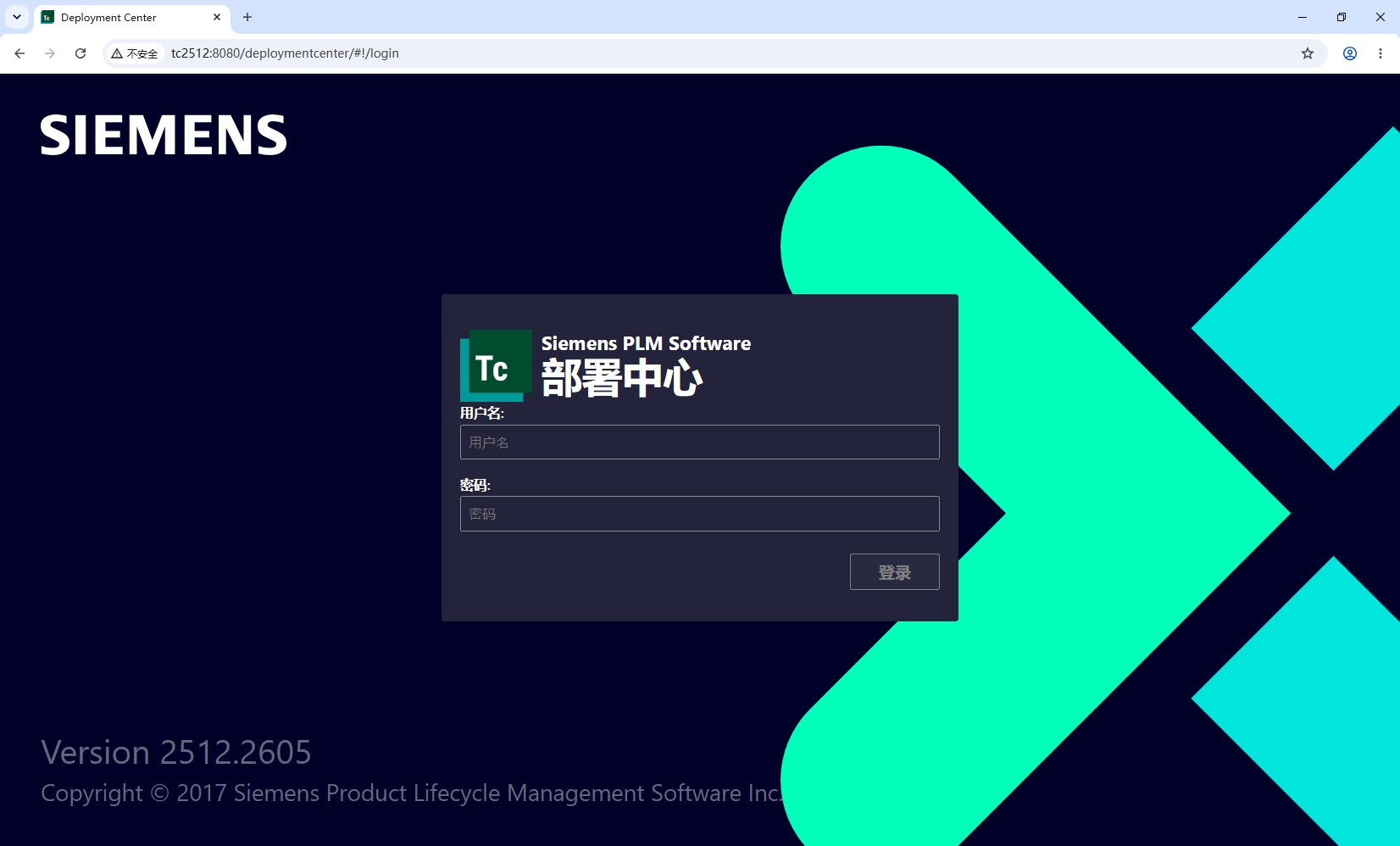
浏览器访问:http://tc2512:8080/deploymentcenter (替换为合适的URL)